MTConnect Data Quality and Validation

MTConnect Validation Platform

Identify conformance and data-quality findings before or during production use.

Purchasing path Public tool and scoped consultation

The Online Validator is publicly available; broader validation, auditing, and certification work is scoped with a TAMS engineer.

Open Online Validator
MTConnect validation dashboard highlighting stream checks Open full-size image
MTConnect validation interface showing standards-referenced checks and findings.

The Integration Journey

Scroll to explore all stages

Confirm that MTConnect data is structured, meaningful, and ready for downstream use.

Explore Validate
Best for
Teams checking MTConnect conformance during development, commissioning, or production
What you need
An MTConnect document, agent stream, or defined validation objective
Delivery or workflow
Online spot checks, on-prem continuous auditing, or certification preparation

Overview

What MTConnect Validation Platform helps your team do

A set of browser-based, on-premises, and engineering workflows for checking MTConnect documents and streams against an agreed validation scope.

Identify conformance and data-quality findings before or during production use.

Common uses

  • Check an MTConnect document
  • Review a live Agent stream
  • Prepare validation evidence
  • Plan certification work

How it works

From manufacturing inputs to a usable outcome

Inputs

  • MTConnect document or Agent stream
  • MTConnect version
  • Defined validation objective

Product components

  • Online Validator
  • Model-Aware Auditor option
  • Validation and certification engineering workflows

Outputs

  • Validation findings
  • Repeatable evidence for the reviewed scope

Features / architecture

Capabilities and integration profile

Document spot checks

Check MTConnect documents and accessible Agent responses in the public workflow.

Continuous auditing

Review selected production streams through an on-premises Auditor workflow.

Certification preparation

Prepare scoped findings and evidence for an agreed review boundary.

Interfaces
Uploaded or pasted MTConnect documents; Read-only MTConnect Agent REST API responses
Deployment
Public browser-based Validator; On-premises Auditor; Scoped engineering review

Validation platform options

Online Validator

What it is: validator.tams.ai for spot checks, uploads, and report sharing.

Best for: Fast checks during development and commissioning.

Open Validator

Model-Aware® Auditor

What it is: On-prem stream auditing with continuous checks.

Best for: Production systems requiring persistent compliance evidence.

Explore Model-Aware Auditor

Validation feature summary

Compliance ChecksDetect missing metadata, type mismatches, and model-conformance issues.
Error HandlingContinuously checks metadata, units, and DeviceModel conformance.
ReportingProduces detailed, standards-referenced reports for remediation.
Alerting SupportConnect findings to operational alerting and escalation workflows.
Model-Aware Auditor validation badge

Validation workflow support

  • Validator for spot-checking documents and adapters during implementation.
  • Auditor for continuous stream monitoring on-prem.
  • Alerts for action-oriented notifications when quality conditions change.

Model-Aware® technology uses patent-pending automation to generate MTConnect adapters directly from information models.

Specifications

Specifications, delivery, and operating boundaries

Review technical inputs and outputs, integration details, delivery paths, and qualification facts used to scope the next step.

Specifications

Inputs
MTConnect document or Agent stream; MTConnect version; Defined validation objective
Outputs
Validation findings; Repeatable evidence for the reviewed scope
Components
Online Validator; Model-Aware Auditor option; Validation and certification engineering workflows
Requirements
An accessible MTConnect document or Agent stream; An agreed version and validation boundary

Integration profile

Interfaces
Uploaded or pasted MTConnect documents; Read-only MTConnect Agent REST API responses
Deployment
Public browser-based Validator; On-premises Auditor; Scoped engineering review
Data persistence
Persistence depends on the selected validation workflow and approved evidence scope.
Security boundary
On-premises auditing operates within the customer network boundary; public submissions follow the Validator's separately published policies.
Custom integration
Continuous, certification, and unusual validation workflows are scoped with a validation engineer.

Delivery Options

Purchasing path Public tool and scoped consultation

The Online Validator is publicly available; broader validation, auditing, and certification work is scoped with a TAMS engineer.

Online Validator

Public browser-based spot checks for MTConnect documents.

You provide
  • MTConnect document or agent stream

Model-Aware Auditor

On-premises continuous MTConnect stream auditing.

You provide
  • Running MTConnect agents
  • Validation scope

Certification preparation

Scoped validation evidence and review for an agreed MTConnect version and product boundary.

You provide
  • MTConnect version
  • Product boundary
  • Validation objective

Scope factors

  • Document or agent stream
  • Validation objective
  • Spot-check or continuous workflow
  • MTConnect version and scope

Capabilities and explicit boundaries

Document spot checks

Check MTConnect documents and accessible Agent responses in the public workflow.

Included

Run browser-based spot checks on MTConnect documents and accessible Agent responses.

Needs: An MTConnect document or accessible Agent response

Boundary: A result applies only to the reviewed input, version, and scope.

Continuous auditing

Review selected production streams through an on-premises Auditor workflow.

Included

Support continuous on-premises stream auditing through Model-Aware Auditor.

Needs: Accessible Agent streams; Defined validation scope

Boundary: Auditing does not create connectivity.

Certification preparation

Prepare scoped findings and evidence for an agreed review boundary.

Custom integration

Support scoped certification preparation and validation evidence review.

Needs: Agreed MTConnect version, product boundary, and objective

Boundary: A review does not guarantee every future stream.

Additional product limitations

  • Validation does not create machine connectivity
  • A passing check applies only to the document, stream, version, and scope that were reviewed

Downloads and resources

Frequently asked questions

What can the MTConnect Validation Platform review?

It can review MTConnect documents or reachable Agent streams against an agreed MTConnect version and validation scope.

When should I use the Online Validator instead of Model-Aware Auditor?

Use the Online Validator for public browser-based spot checks. Use Model-Aware Auditor when selected production streams require ongoing review inside the customer network boundary.

What do validation findings mean?

Findings identify schema, structure, semantic, or data-quality conditions within the defined review scope. They should be interpreted with the applicable MTConnect version and deployment context.

Does a point-in-time validation guarantee future stream quality?

No. A point-in-time result describes the documents and observations reviewed at that time. Equipment, models, software, and stream behavior can change after the review.

Does validation make a stream ready for every downstream use?

No. Validation helps establish conformance and data quality within a defined scope, but each downstream application must still confirm that the required information, timing, retention, and operating context are available.
Choose the right validation workflow

  • Tailored to your machine connectivity needs
  • Flexible deployment and licensing for your environment
  • Rapid implementation with expert manufacturing support
Open Online Validator
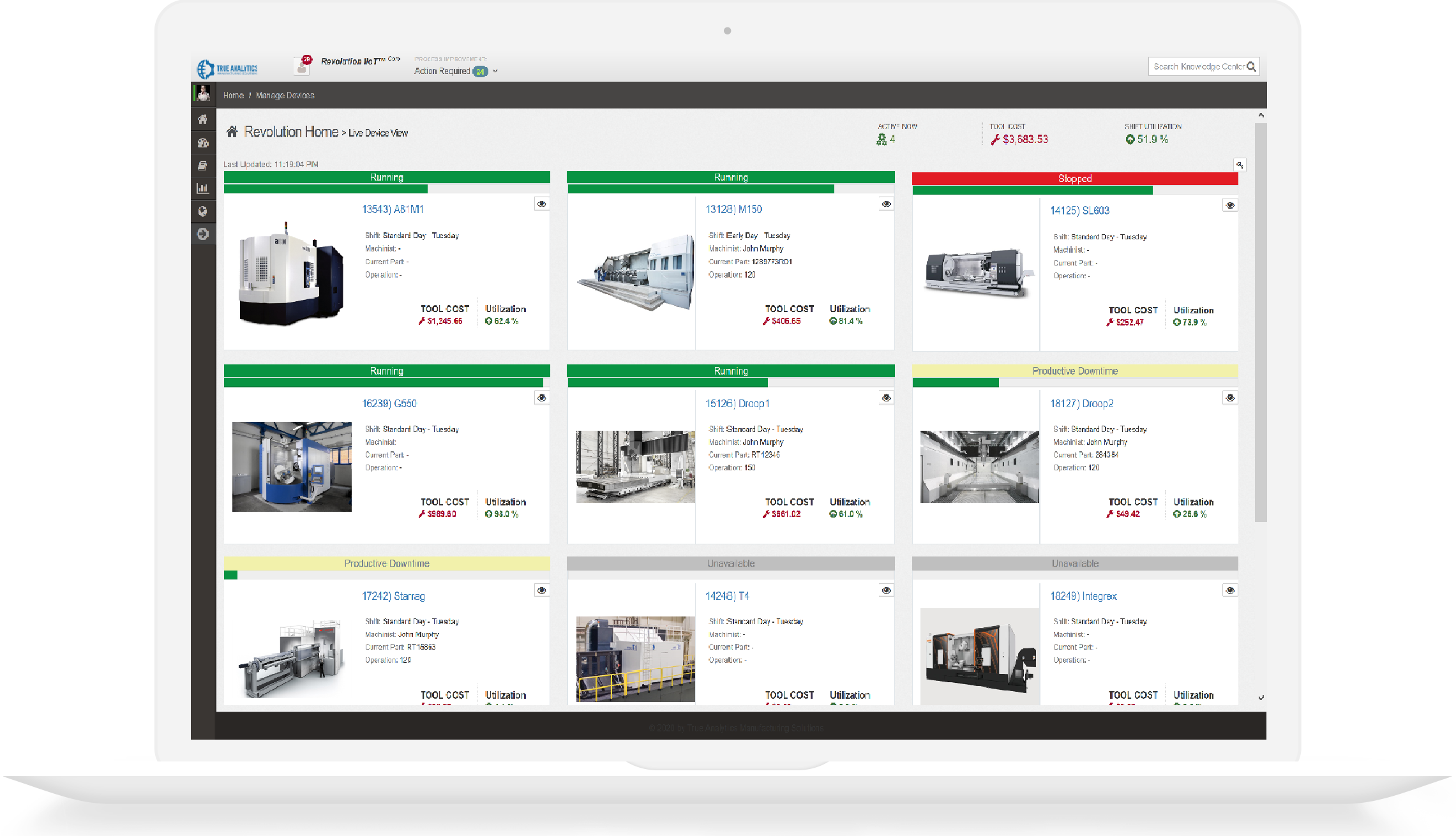
Manufacturing engineer reviewing dashboard results

Protected Website Forms

HTTPS, antiforgery validation, input limits, and reCAPTCHA protect public form submissions. Review the safeguards.