Inputs
- Machine or controller data
- Equipment-specific configuration
- Plant network configuration

Local MTConnect Machine Integration Appliance
Connect a machine, local Agent, or cell to MTConnect with the required integration components on the appliance.
Pricing is scoped to the selected product, deployment, and implementation requirements.
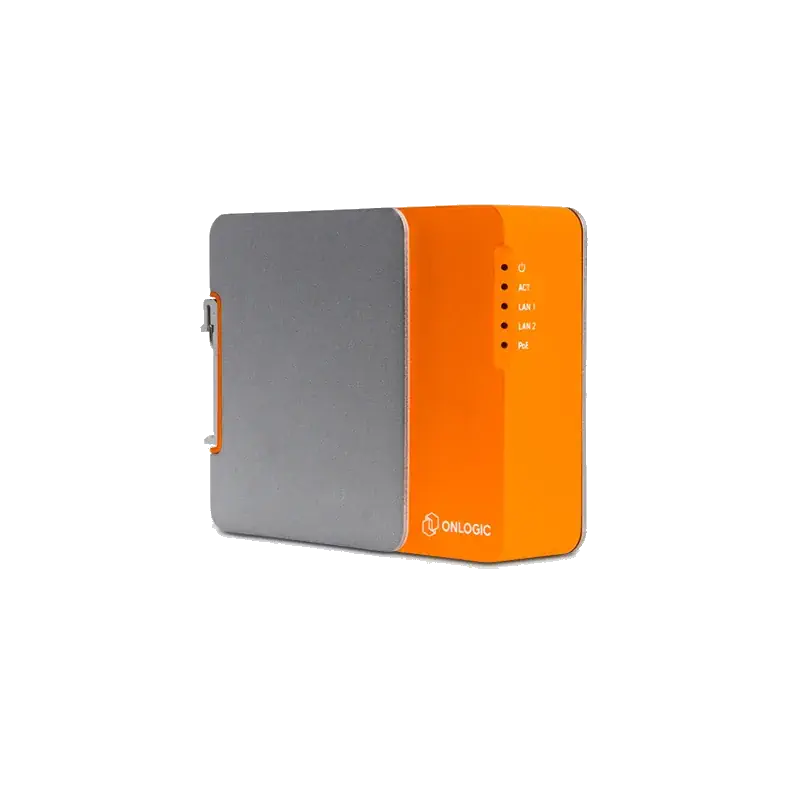
Overview
A physical MTConnect Adapter appliance containing the applicable equipment-specific Adapter, a local MTConnect Agent, and the Edge-Connect application on preconfigured edge hardware.
Connect a machine, local Agent, or cell to MTConnect with the required integration components on the appliance.
How it works
Features / architecture
Package the equipment integration components on preconfigured hardware.
Expose the integrated equipment through the included Agent.
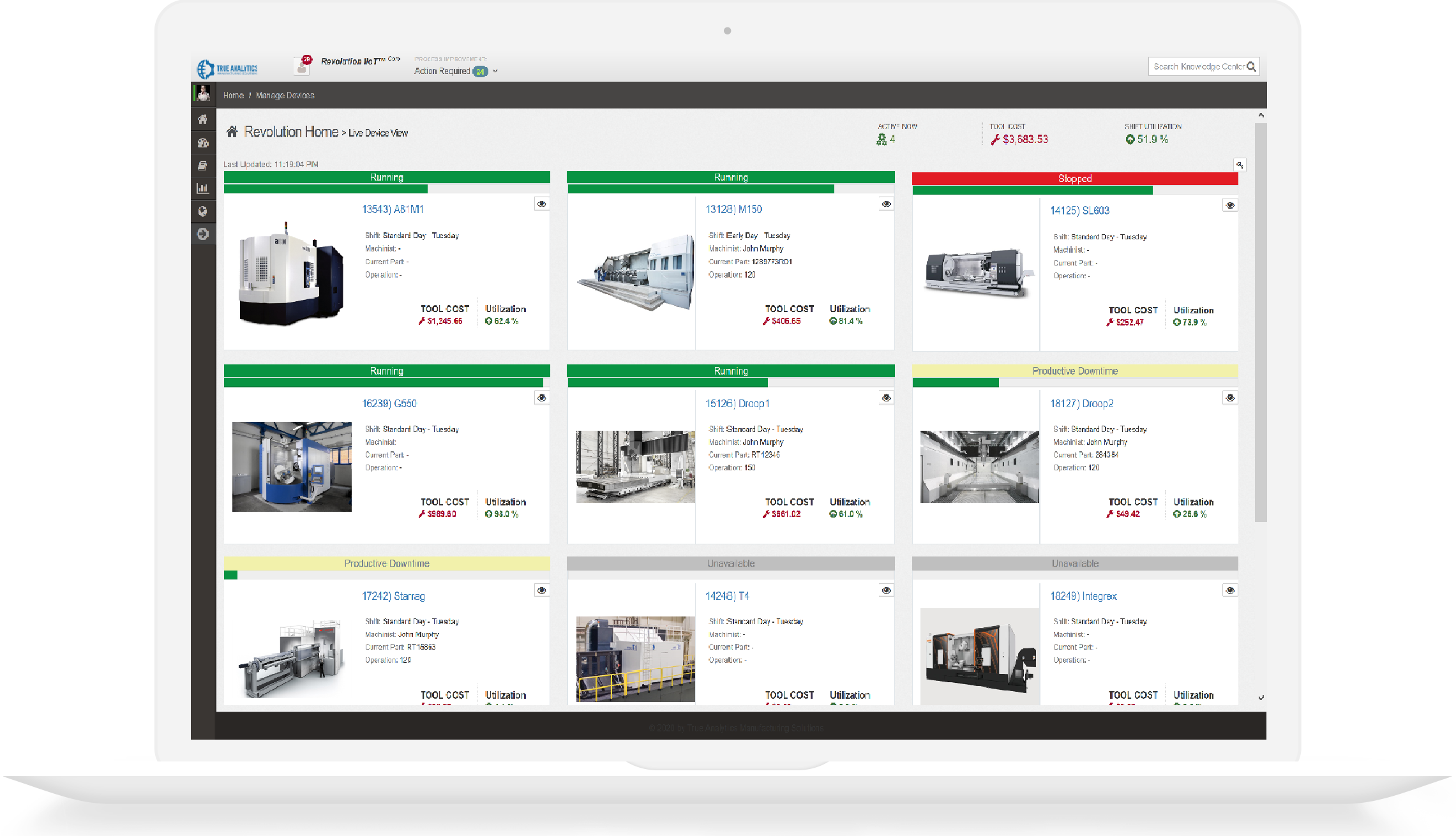
Use the included Edge-Connect application for local views.
Connect a machine, local Agent, or cell to MTConnect with the required integration components on the appliance.
The included Edge-Connect application is the same visualization software used by Shop-Connect. On Edge-Connect, it accompanies the local Adapter and Agent; it does not turn Edge-Connect into the multi-Agent monitoring appliance.

Shop-Connect monitors multiple separately supplied MTConnect Agents; Edge-Connect performs local machine integration with an included Adapter and local Agent. Both use the Edge-Connect application.
| Decision point | Shop-Connect | Edge-Connect |
|---|---|---|
| Purpose | Monitor current and recent data from multiple MTConnect Agents with configurable, Model-Aware dashboards, unattended displays, and Program Replay. | Connect a machine, local Agent, or cell to MTConnect with the required integration components on the appliance. |
| Included components | HDMI mini-PC hardware; Edge-Connect application preinstalled; Configurable runtime-memory buffer; Program Replay with working-prototype MTConnect Exchange Package import and export | Preconfigured edge hardware; Applicable MTConnect Adapter; Local MTConnect Agent; Edge-Connect application |
| Agent scope | One or more separately deployed MTConnect Agents | Edge-Connect is normally scoped to the local machine, Agent, or cell running on its hardware |
| Connectivity responsibility | Shop-Connect consumes upstream MTConnect Agent data and does not connect directly to machines | Run the applicable Adapter and a local MTConnect Agent on preconfigured edge hardware. |
| Typical display use | Live and recent MTConnect dashboard visualizations; Views on the attached HDMI display; Views in plant-network browsers; Program Replay playback for a selected recent period; Working-prototype .mep files containing the MTConnect device model and selected observations | A local MTConnect Agent stream; Local views in the included Edge-Connect application |
| Shared visualization software | Edge-Connect application preinstalled | Edge-Connect application |
Specifications
Review technical inputs and outputs, integration details, delivery paths, and qualification facts used to scope the next step.
Pricing is scoped to the selected product, deployment, and implementation requirements.
Package the equipment integration components on preconfigured hardware.
Included
Run the applicable Adapter and a local MTConnect Agent on preconfigured edge hardware.
Needs: Supported or qualified machine interface; Approved local network access
Boundary: Coverage depends on the selected Adapter and controller interface.
Expose the integrated equipment through the included Agent.
Included
Expose the resulting local MTConnect Agent stream.
Needs: Configured Adapter and Agent
Boundary: Normal scope is the local machine, Agent, or cell running on the appliance.
Use the included Edge-Connect application for local views.
Included
Provide local visualization through the included Edge-Connect application.
Needs: Configured application and local access
Boundary: Edge-Connect is not the multi-Agent Shop-Connect monitoring appliance.
Review machine and controller records that can be scoped for an Edge-Connect deployment.
Edge-Connect packages the applicable Machine Adapter, a local MTConnect Agent, preconfigured hardware, and the Edge-Connect application for the scoped machine, Agent, or cell.
TAMS needs the machine and controller identity, available source interface, required data, installation location, network constraints, and rollout scope.
A Machine Adapter is the equipment-specific integration software. Edge-Connect adds the local Agent, hardware, application, and deployment package.
The on-premises appliance can operate without internet access when the scoped Adapter and licensing path support offline-ready deployment. Plant-network requirements still apply.
Edge-Connect performs local machine integration and includes an Adapter and local Agent. Shop-Connect monitors multiple separately supplied Agents and does not connect directly to machines.
HTTPS, antiforgery validation, input limits, and reCAPTCHA protect public form submissions. Review the safeguards.
Inspect the MTConnect adapter catalog, online validator, and implementation guides directly.
Call +1 (317) 907-8897 or email sales@tams.ai for sales, support, privacy, or security questions.