The Integration Journey: Monitor

Make current and recent MTConnect activity visible to the people who need to respond.

The Integration Journey

Scroll to explore all stages

Monitor existing MTConnect streams across the shop floor and investigate production activity.

What it is

Observe activity and selected operating conditions

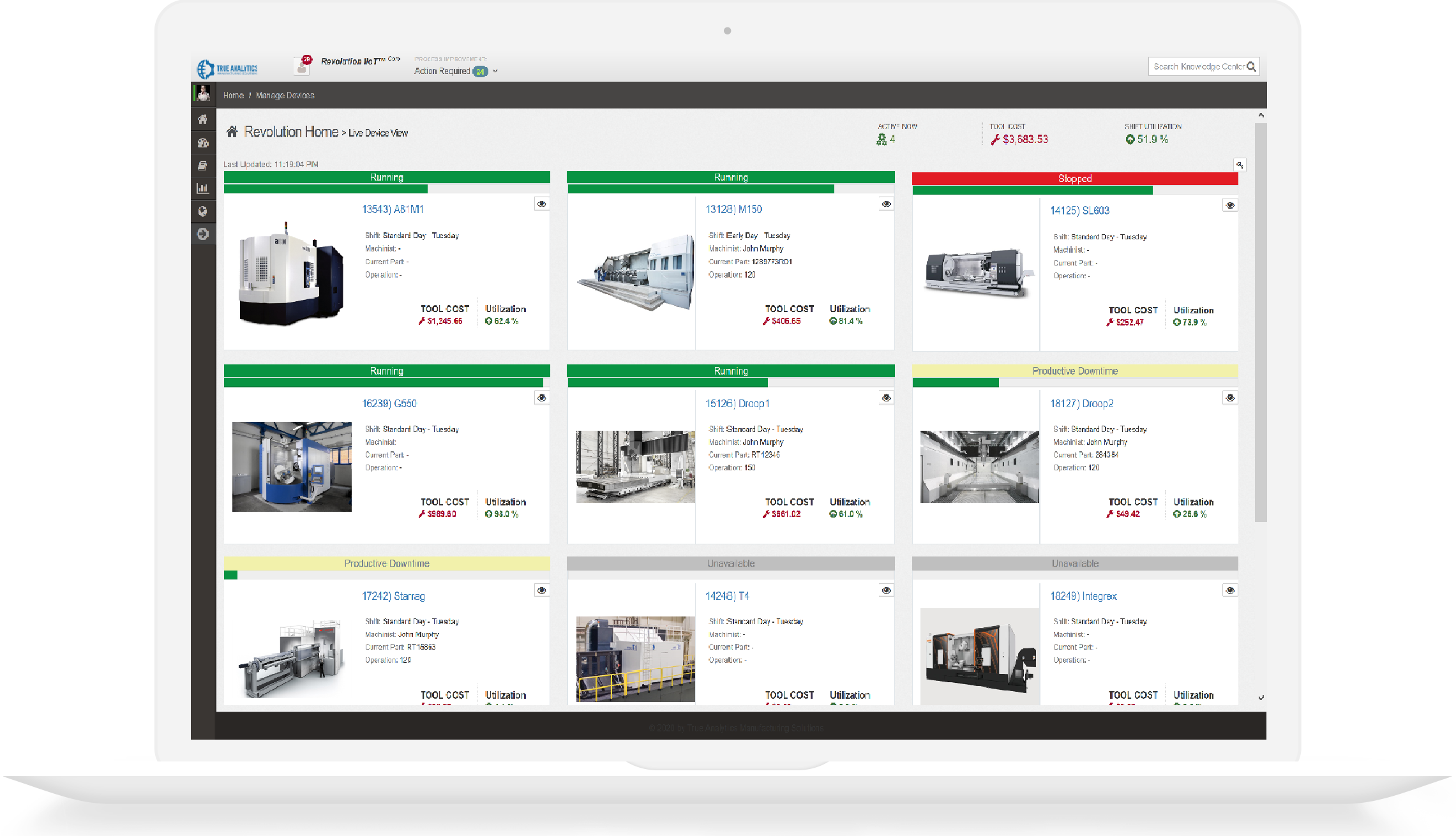
Monitor presents information from existing MTConnect Agents through dashboards, recent-history investigation, notifications, or configured summaries.

Why it matters

Useful information must reach the right operating context

Focused visibility helps teams investigate activity and respond to selected conditions without confusing monitoring with machine connectivity, long-term storage, or complete KPI analysis.

What teams bring and what they gain

Typical inputs

  • One or more existing MTConnect Agent streams
  • Selected devices and operating conditions
  • Display, browser, notification, or reporting requirements

Useful outcomes

  • Current and recent shop-floor visibility
  • Focused investigation context
  • Configured notifications or summaries where applicable

Products for Monitor

Each product has a distinct role and can be evaluated independently based on your current need.

Shop-Connect

An HDMI mini-PC monitoring appliance with the Edge-Connect application preinstalled for visualizing data from multiple separately supplied MTConnect Agents.

Primary outcome: Monitor current and recent data from multiple MTConnect Agents with configurable, Model-Aware dashboards, unattended displays, and Program Replay.
Explore Shop-Connect

Model-Aware Alerts

On-premises plugins that use selected MTConnect signals to deliver configured notifications and operational summaries.

Primary outcome: Route relevant MTConnect conditions to specified recipients and channels.

Explore Model-Aware Alerts

Part of a connected operating model

Monitoring can consume any suitable MTConnect source and can coexist with separate validation, analytics, historian, or workflow systems.

View the complete Integration Journey

Discuss your current integration focus

  • Review the equipment, information, and workflow requirements in scope
  • Choose the product or engineering path that matches the current need
  • Define practical deployment and validation boundaries
Manufacturing engineer reviewing dashboard results

Protected Website Forms

HTTPS, antiforgery validation, input limits, and reCAPTCHA protect public form submissions. Review the safeguards.