Inputs
- Selected MTConnect Data Items and conditions
- Trigger logic
- Recipients and delivery channels

MTConnect Condition and Event Notifications
Route relevant MTConnect conditions to specified recipients and channels.
Pricing is scoped to the selected product, deployment, and implementation requirements.

Overview
On-premises plugins that use selected MTConnect signals to deliver configured notifications and operational summaries.
Route relevant MTConnect conditions to specified recipients and channels.
How it works
Features / architecture
Evaluate approved MTConnect observations using configured trigger logic.
Deliver scoped notifications and operational summaries.
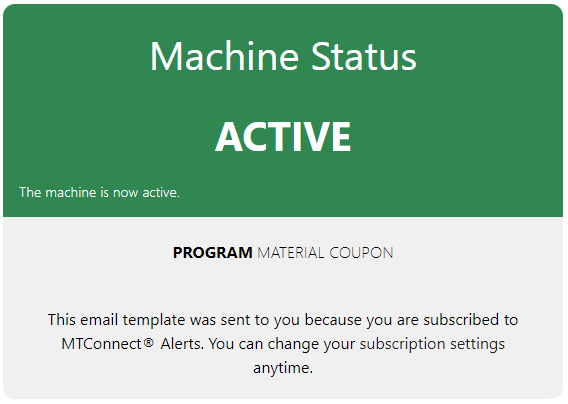
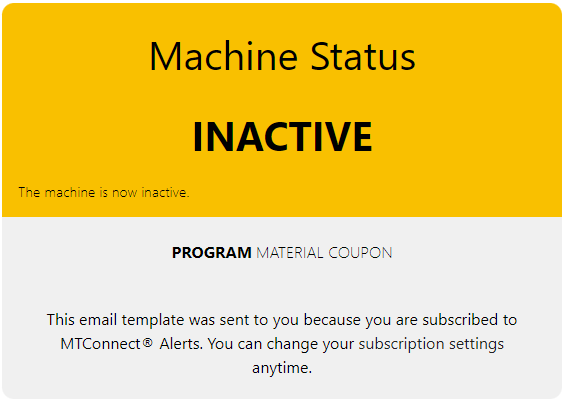
Deploy Alerts after your MTConnect streams are stable. It subscribes to selected data items and executes plugin logic to trigger emails, summaries, and event notifications.
Model-Aware® technology uses patent-pending automation to generate MTConnect adapters directly from information models.
 Open full-size image
  Open full-size image
 Detect idle machines by monitoring execution and process-state transitions and notify stakeholders when thresholds are exceeded.
| Data Item | Purpose |
|---|---|
| PROCESS_STATE | Primary signal for machine running/idle interpretation. |
| EXECUTION | Fallback state signal when PROCESS_STATE is unavailable. |
| CONTROLLER_MODE | Context for setup/manual states to reduce false positives. |
“Machine A has been idle for 15 minutes during Shift 2. Review setup, tooling, or queue status.”
Generate end-of-shift summaries for supervisors with counts, runtime windows, and exceptions.
| Data Item | Purpose |
|---|---|
| PART_COUNT | Shift-level production and output tracking. |
| EXECUTION | Separates active production from waiting/stop states. |
| PATH_FEEDRATE | Optional context for production trend interpretation. |
“Shift 1 summary: 128 parts completed, 86% run-state utilization, 3 extended idle windows.”
Warn operators and maintenance when machine conditions cross preventive thresholds.
| Data Item | Purpose |
|---|---|
| TEMPERATURE | Monitor spindle/critical component thermal conditions. |
| FILL_LEVEL | Track coolant reserve status before low-level events. |
| PROGRAM | Optional context to identify active job during events. |
“Machine B spindle temperature exceeded 80°C and coolant dropped below 20%. Trigger maintenance review.”
For custom plugins, we capture the use-case in MTConnect terms first (required data items, conditions, recipients, and business outcome), then scope implementation and validation.
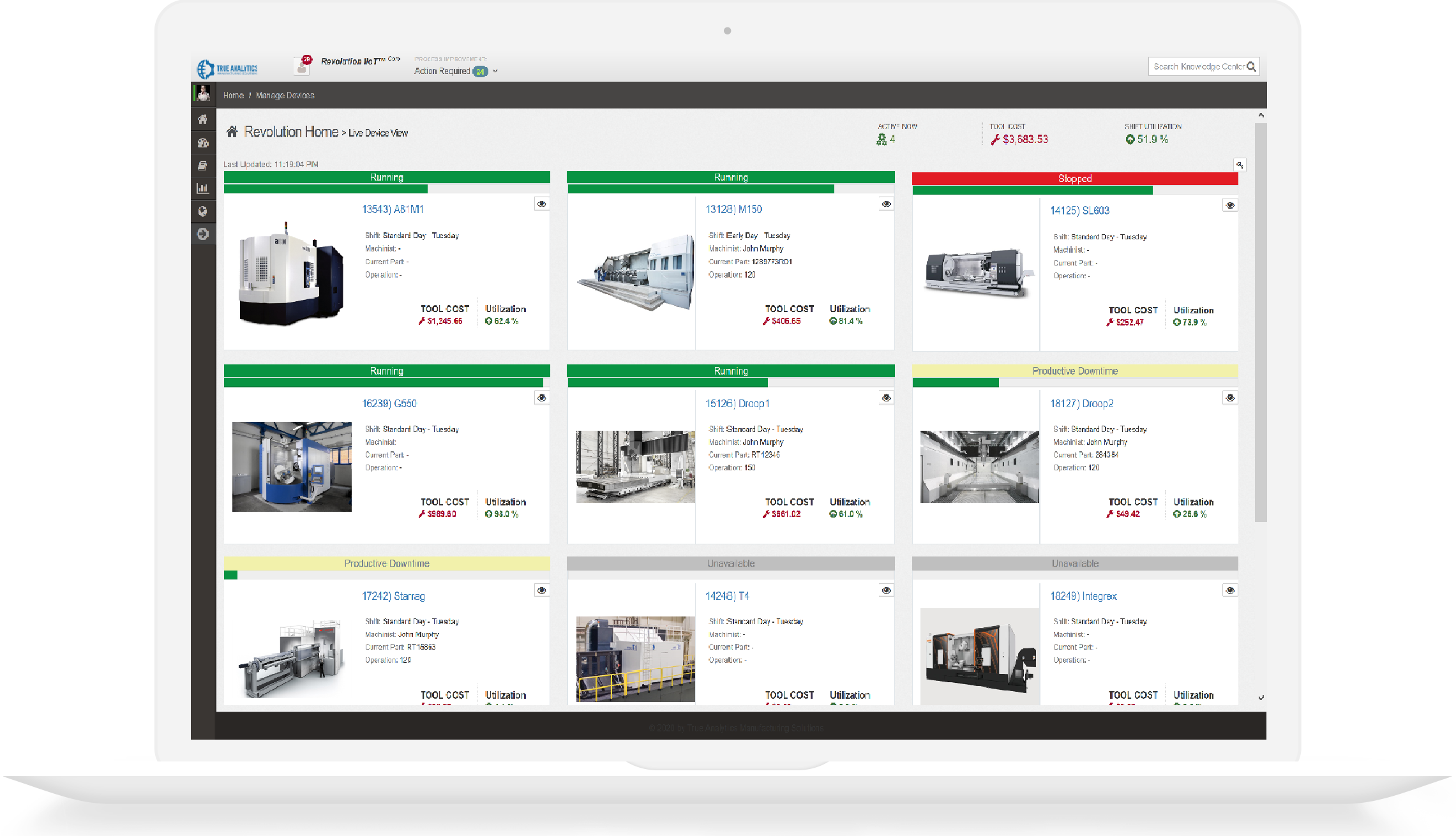
Shop-Connect provides multi-Agent shop-floor dashboards for current and recent MTConnect data. Shop-Connect does not send native alerts; Model-Aware Alerts handles configured notification and summary delivery.
Specifications
Review technical inputs and outputs, integration details, delivery paths, and qualification facts used to scope the next step.
Pricing is scoped to the selected product, deployment, and implementation requirements.
Evaluate approved MTConnect observations using configured trigger logic.
Included
Evaluate selected MTConnect conditions using configured trigger logic.
Needs: Accessible MTConnect observations; Defined trigger logic
Boundary: No failure prediction or proactive maintenance model is implied.
Deliver scoped notifications and operational summaries.
Included
Deliver configured notifications and operational summaries through scoped channels.
Needs: Defined recipients, conditions, data, and delivery channels
Boundary: Alerts is not a visual dashboard or long-term historian.
Custom integration
Apply custom trigger and delivery behavior through scoped plugin development.
Needs: Defined trigger and desired outcome
Boundary: Feasibility depends on the available MTConnect data and target channel.
Alerts requires relevant MTConnect Data Items, defined trigger logic, recipients, delivery channels, and a scoped on-premises deployment.
No. Alerts consumes selected conditions from an existing MTConnect integration. Machine connectivity and the MTConnect Agent must be provided upstream.
Published examples include machine-idle notification, automatic shift reporting, and temperature or coolant-level notification workflows. Availability depends on the selected data and deployment scope.
Yes. A custom workflow can be evaluated when the required MTConnect signals, trigger behavior, recipients, and delivery channel can be defined and reviewed.
Alerts sends configured notifications and summaries. Shop-Connect provides visual multi-Agent monitoring and does not include native alert delivery.
HTTPS, antiforgery validation, input limits, and reCAPTCHA protect public form submissions. Review the safeguards.
Inspect the MTConnect adapter catalog, online validator, and implementation guides directly.
Call +1 (317) 907-8897 or email sales@tams.ai for sales, support, privacy, or security questions.