Inputs
- Machine or controller data
- Supported protocol or controller interface
- Equipment identity and configuration

MTConnect machine connectivity
Connect CNC machines, PLCs, metrology systems, and other factory equipment to MTConnect with reviewed software or Edge-Connect deployment paths.
Pricing is scoped to the selected product, deployment, and implementation requirements.
Overview
MTConnect Adapters for CNC machines, PLCs, metrology systems, and other factory equipment that translate reviewed machine and controller data into MTConnect-compliant streams.
Connect supported manufacturing equipment through a consistent MTConnect interface using software or an Edge-Connect appliance where available.
How it works
Features / architecture
Translate approved machine and controller data into MTConnect observations for an Agent.
Expose identifiers and counts when the source and scoped Adapter support them.
Provide available source observations that downstream systems may use in an OEE calculation.
Expose reviewed power or energy data only where the equipment source supplies it.
Adapter–Agent–consumer architecture
An Adapter translates an approved equipment source. An MTConnect Agent organizes and exposes that model and its observations through a read-only REST interface. Dashboards, historians, applications, and other consumers request data from the Agent.
probe, current, sample, and asset requests through the standard REST boundary.Compatibility varies by make, model, year, controller options, available interfaces, and deployment. Review the MTConnect Institute supported-devices guidance alongside the controller-specific catalog record.
Model-Aware® adapter delivery is built for teams that need repeatable, standards-aligned integrations across mixed equipment fleets, with explicit data contracts and reviewable machine-specific coverage.
| Model-Driven Generation | Build adapters from information models to reduce manual engineering and improve consistency. |
|---|---|
| Translation Layer Reduction | Reduce unnecessary middleware hops while keeping source-to-model mappings explicit. |
| Flexible Licensing | Deploy as software or with an Edge-Connect machine-integration appliance. |
| Validation Readiness | Produce structured observations for MTConnect® validation and downstream review. |
Model-Aware® technology uses patent-pending automation to generate MTConnect adapters directly from information models.
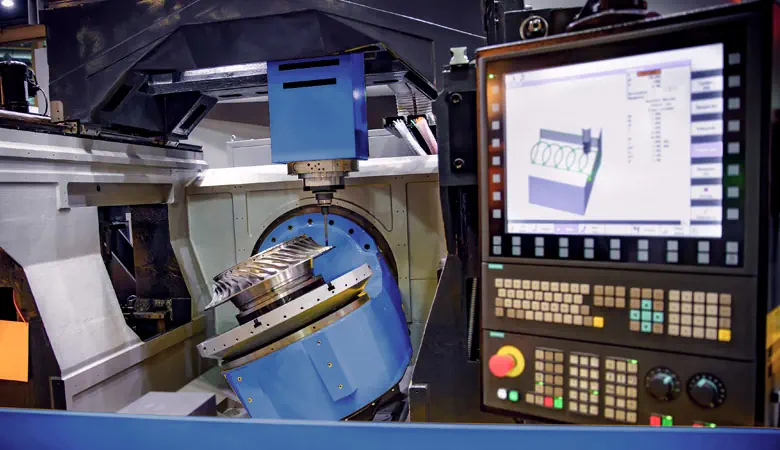
Model-Aware® technology generates adapters directly from the MTConnect® information model, reducing translation layers while preserving data semantics.
The connected MTConnect Agent exposes the standard read-only REST API for probe, current, sample, and asset retrieval. TAMS does not market a separate general-purpose Adapter API.
Available tool, pallet, part, fixture, utilization, efficiency, part-count, power, or energy context depends on the source interface and the reviewed Adapter scope. Adapters can supply inputs to downstream OEE or energy reporting, but they do not calculate complete OEE or become an energy-management product.
Compare deployment models, licensing paths, and supported equipment before you scope an engagement.
MTConnect® Adapter Guide Validator Workflow Guide Reading validation evidence Smart Manufacturing Engineering Build a machine connectivity planChoose the right path
Known controller
Filter reviewed records by manufacturer, controller family, source interface, equipment category, and delivery option.
Search the MTConnect adapter catalogEquipment is not listed
Scope controller access, required observations, Adapter and Agent implementation, validation, deployment, and handoff.
Explore custom MTConnect adapter developmentConfigured hardware
Review the physical machine-integration appliance that packages an applicable Adapter, local Agent, and Edge-Connect application.
Explore the Edge-Connect adapter applianceMixed equipment list
Inventory machines in your browser, evaluate exact catalog profiles, and consolidate qualification requirements before contacting TAMS.
Open the Machine Connectivity PlannerSupport depends on controller family, PLC configuration, vintage, and API availability. Review common integrations below, then use the full catalog filters to match your controller family and data source type.
 Open full-size image
  Open full-size image
  Open full-size image
  Open full-size image
 The Brown & Sharpe / Leitz MTConnect Adapter helps connect qualified legacy CMM and metrology equipment to MTConnect when compatible Brown & Sharpe / Leitz communication is available. TAMS qualifies the local PC, source interface, machine subsystems, and requested observations before confirming delivery.
Static MTConnect Adapter for ESAB Vision T5 laser marking gantry controls using the onboard OPC DA / OPC-DDE5 source.
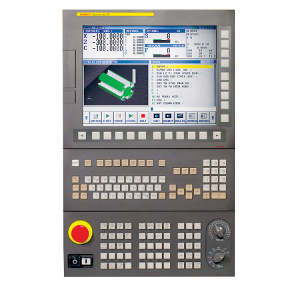
Dynamic MTConnect Adapter for qualified FANUC i-Series controls using the FANUC FOCAS API over Ethernet.
Custom-scoped MTConnect adapter for legacy Haas controller generations where data access varies by retrofit and firmware.
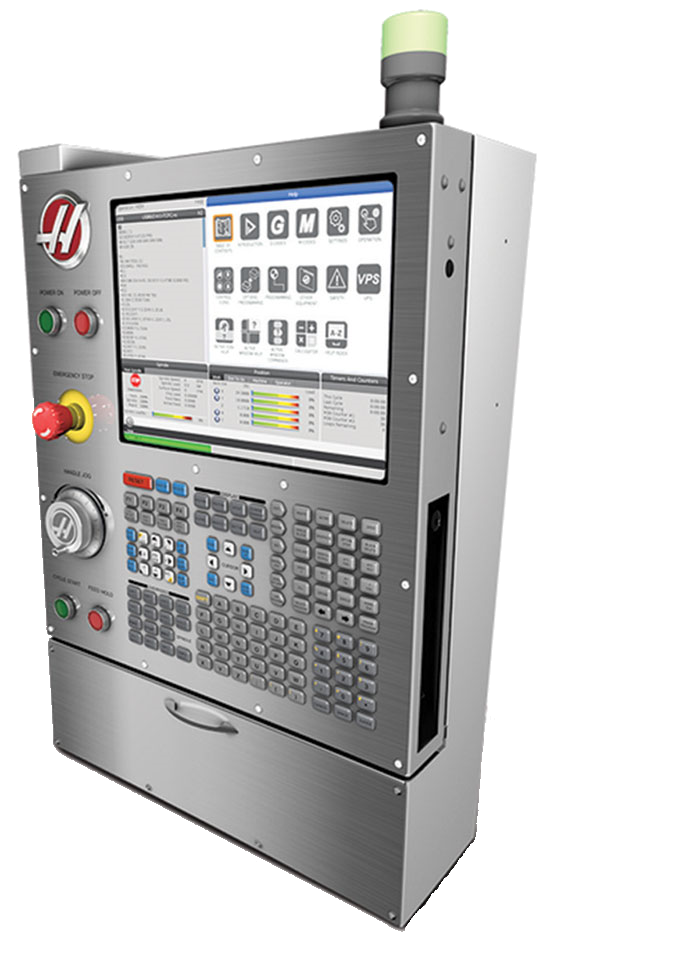
The Haas Next Generation Control MTConnect Adapter connects qualified Haas NGC machines to MTConnect using Haas Machine Data Collection (MDC). TAMS has simulator-tested this adapter and is actively qualifying the common MTConnect output set for production deployments.
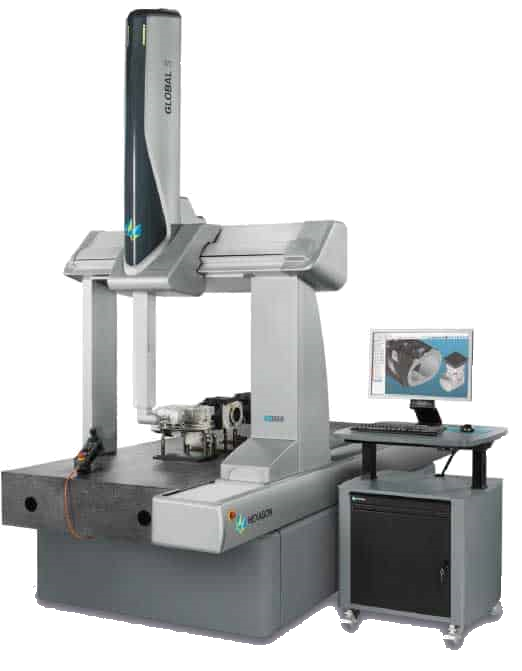
Static MTConnect Adapter for qualified Hexagon FDC CMM implementations, including the reviewed gantry CMM with an indexable Renishaw probe head.
Need coverage for a controller that isn’t listed? and we will evaluate fit, prerequisites, and validation scope.
Validation evidence is captured alongside adapter development so downstream systems trust the data.
Public reports are linked per adapter only when a reviewed report exists and its publication is enabled. Validation results remain specific to the tested document, stream, version, and review scope.
MTConnect® Validation Platform · MTConnect® Validator overview · Reading validation evidenceSupported Data Items and component mappings vary by controller family and configuration.
Compare controller-specific MTConnect adapter details for scoped coverage.
Specifications
Review technical inputs and outputs, integration details, delivery paths, and qualification facts used to scope the next step.
Pricing is scoped to the selected product, deployment, and implementation requirements.
Translate approved machine and controller data into MTConnect observations for an Agent.
Included
Translate approved equipment data into MTConnect observations for an MTConnect Agent.
Needs: A supported or qualified equipment interface
Boundary: Coverage depends on the machine, controller, protocol, version, options, and scoped Adapter.
Expose identifiers and counts when the source and scoped Adapter support them.
Requires source data
Expose approved tool, pallet, part, fixture, or other asset context when identifiers are available in the source.
Needs: Available source identifiers; An Adapter model that includes the required context
Boundary: Asset coverage is not universal across Adapter records.
Custom integration
Extend an Adapter for additional asset, part, pallet, tool, or fixture context through scoped custom development.
Needs: Accessible equipment or system interface; Defined identity and lifecycle requirements
Boundary: Custom scope and feasibility are confirmed during engineering review.
Provide available source observations that downstream systems may use in an OEE calculation.
Requires source data
Provide available utilization, efficiency, and part-tracking inputs for downstream OEE workflows.
Needs: The equipment source must expose the required observations
Boundary: Machine Adapters do not calculate or label complete OEE.
Expose reviewed power or energy data only where the equipment source supplies it.
Requires source data
Expose approved power or energy observations when the connected source and specific Adapter support them.
Needs: A source that reports a power or energy observation; Adapter-specific reviewed coverage
Boundary: Power consumption is not inferred from amperage alone.
Custom integration
Expand machine monitoring to include power observations through scoped Adapter development.
Needs: Accessible power data or a qualified additional source
Boundary: Machine Adapters are not an energy-management product.
Plan controller access, delivery, installation, and validation for an MTConnect adapter.
Filter current adapter records by manufacturer, controller, equipment type, and delivery path.
An MTConnect Adapter collects approved equipment data and formats observations for an MTConnect Agent, which exposes the standard read-only REST API used by downstream systems.
Review the adapter catalog by manufacturer, controller family, data-source type, and delivery model. Final support depends on the controller version, machine configuration, available interface, and required data.
A software Adapter runs on qualified existing infrastructure. Edge-Connect packages the applicable Adapter with preconfigured hardware, a local MTConnect Agent, and the Edge-Connect application.
Deployment can be scoped for customer network policies, including offline-ready operation where supported. Required ports, credentials, service accounts, and permitted data flows are confirmed for the selected equipment.
The applicable MTConnect documents and streams can be checked with the Validation Platform during development or commissioning and reviewed over time with Model-Aware Auditor when ongoing auditing is required.
HTTPS, antiforgery validation, input limits, and reCAPTCHA protect public form submissions. Review the safeguards.
Inspect the MTConnect adapter catalog, online validator, and implementation guides directly.
Call +1 (317) 907-8897 or email sales@tams.ai for sales, support, privacy, or security questions.